APPAM News, General News, Member News
Top Three: October 7
Read more

News & Publications
The APPAM Conference Mobile App makes it easy to plan your conference visit, explore sessions, and learn about special events and activities. Plus, it’s your one stop shop for meeting resources, messaging, and networking.
Downloading the App and Logging In
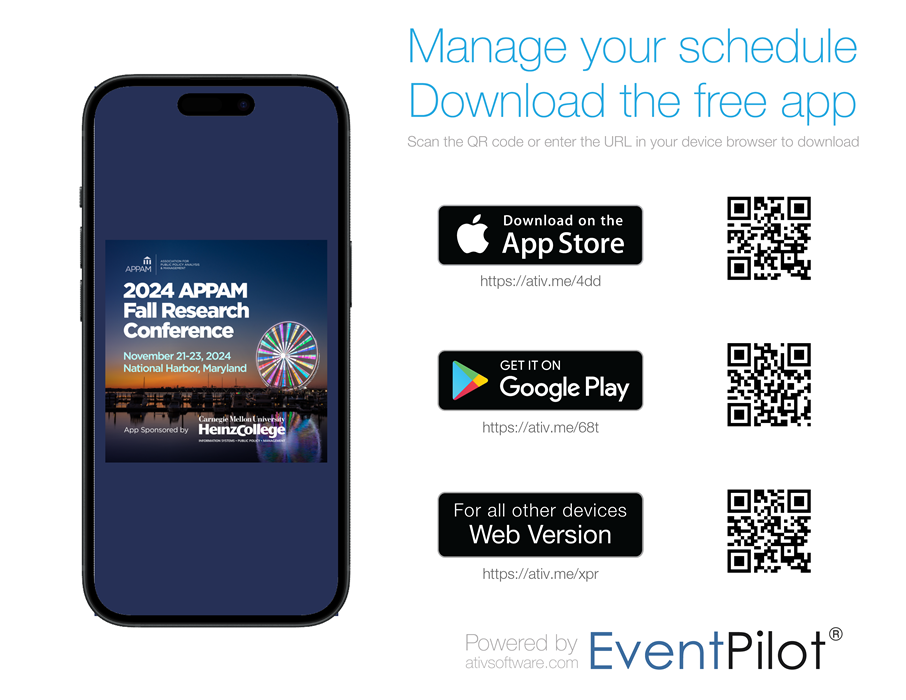 Use any of the options above to download or access the app on your device. You can also search for “EventPilot” in the app store to download.
Explore Sessions and Events
Create Your Schedule
The Conference Mobile App allows you to create your own schedule of sessions and events and quickly reference it. Here’s how:


Getting Around and Essential Information